In today's digital world, the success of any website, app, or software often depends on how users perceive their experience when using it.
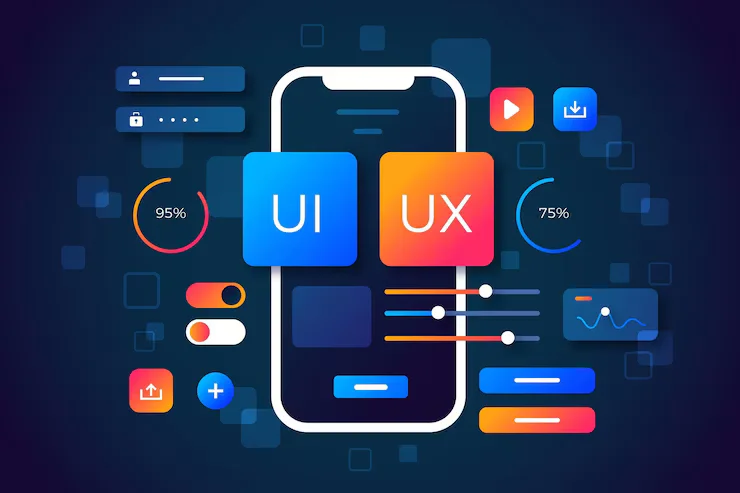
In today's digital world, the success of any website, app, or software often depends on how users perceive their experience when using it. UI/UX design is all about creating digital products that are easy to use, visually appealing, and enjoyable to use. UI focuses on how things look (buttons, colours, fonts), while UX focuses on how things work (navigation, speed, usability). Together, they help businesses build products that people love to use.
Benefits of UI/UX Design
Better User Experience
Develops digital products that are intuitive, seamless, and enjoyable to use.
Increased Customer Satisfaction
A happy user is more likely to return or recommend your service.
Higher Conversions
Effective design encourages users to take actions such as signing up or making a purchase.
UI/UX Design: From Data to Impact
We turn your data into smart solutions, automate tasks, and keep improving to help your business grow.
Perceive
User Understanding
The first step is Perceive, where designers try to understand the needs, feelings, and habits of users. They collect data through surveys, feedback, and by watching how people use a product. It helps them see what users want and where they may be facing problems.
Reason
Insight Discovery
Next comes Reason, where the design team studies all the data and finds valuable insights. They look at what users like, what confuses them, and what can be improved. It helps in planning bright design ideas that are backed by real user behaviour.
Act
Design Creation
After planning, the third step is to act. It is where designers create the actual layout, buttons, menus, and screens. They build wireframes and prototypes and work with developers to turn the design into a real, working product. The focus is on making the product user-friendly, fast, and visually clean on all devices.
Learn
Continuous Refinement
Finally comes Learn, where designers check how users are reacting to the design. They collect new feedback, watch usage patterns, and update the design based on what they learn. This step helps ensure continuous improvements, keeping the experience fresh and valuable.
Key Activities of UI/UX Design Service
We help businesses with digital transformation, data management, marketing automation, task automation, and customer support.
User Research
This step is all about understanding the people who will use the product. Designers collect information through surveys, interviews, and user testing to learn what users need, like, and find difficult.
Wireframing and Prototyping
Designers create simple layouts, known as wireframes, and interactive models, referred to as prototypes. These help visualize how the app or website will look and work before building the final version.
Usability Testing
In this step, real users test the design to find any problems or confusing parts. Their feedback helps improve the design and make it easier to use.
Design Improvements
Even after launch, the design is updated based on user feedback and behaviour. It helps keep the product modern, user-friendly, and working smoothly.