SaaS stands for Software as a Service.
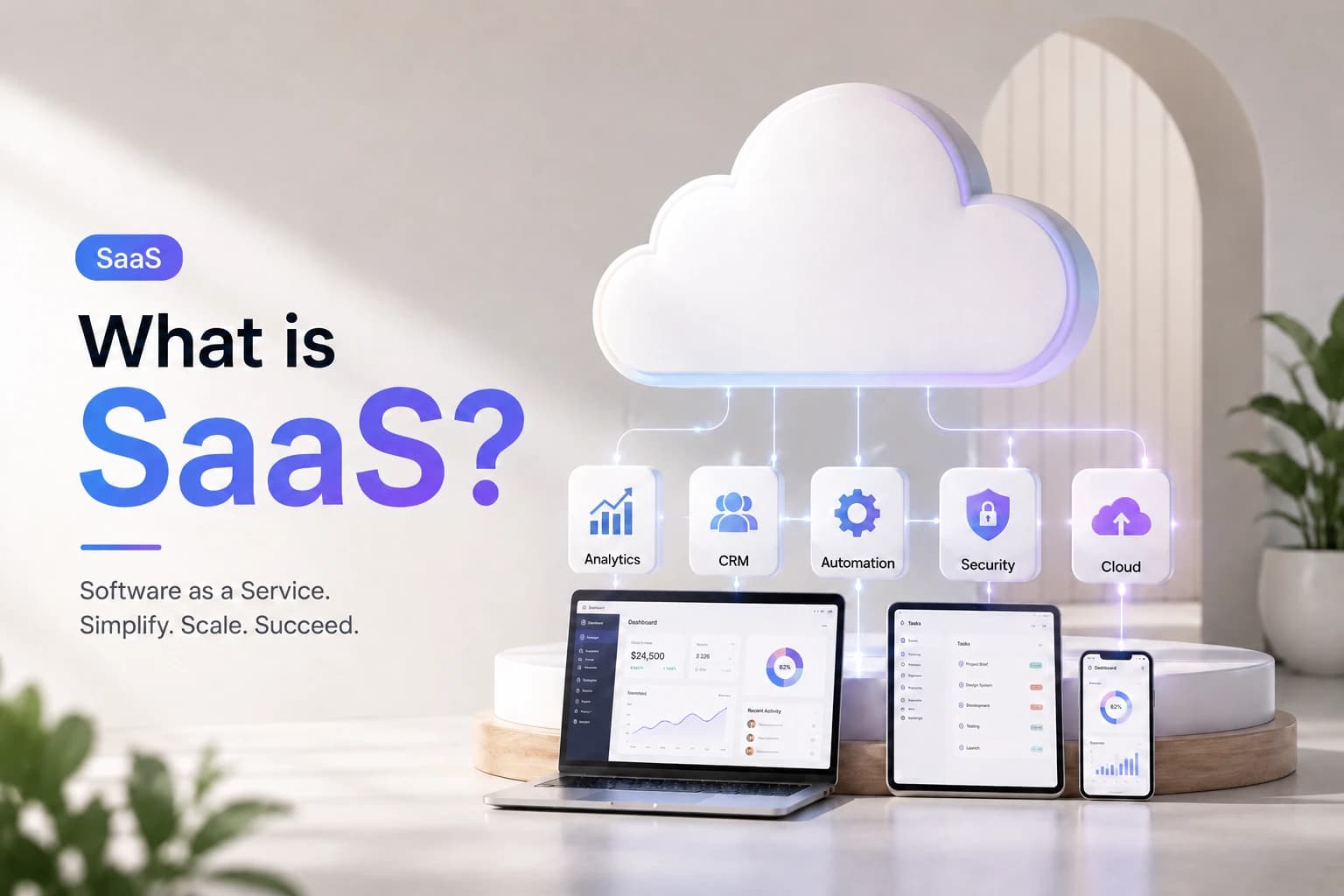
SaaS stands for Software as a Service. It means using Software over the internet instead of installing it on your computer. SaaS applications are hosted on the cloud and can be accessed from anywhere using a web browser. Popular examples include Gmail, Zoom, and Google Drive. Businesses utilize SaaS apps for a wide range of tasks, including email and meetings, as well as managing sales and customer relationships.
Benefits of SaaS Applications
Smarter Decisions
With reports and dashboards, you can understand what's working and what's not.
Professional Tools
Utilise the same software that big companies use without incurring high costs.
Safe and Secure
Your data is protected with robust security measures provided by the service provider.
SaaS Applications: From Data to Impact
We turn your data into smart solutions, automate tasks, and keep improving to help your business grow.
Perceive
Data Gathering
SaaS applications start by gathering the right data from users, devices, and other systems. This ensures information is always current and accessible when needed.
Reason
Pattern Analysis
They analyze collected data to find patterns, trends, or issues. SaaS tools can highlight overdue tasks, spot unusual spending, or generate reports to help businesses understand what is happening and why.
Act
Automation & Optimization
Based on insights, SaaS applications enable users to take action—sending reminders, suggesting optimizations, or automating repetitive processes like invoicing or follow-ups. This helps teams work faster and stay organized.
Learn
Intelligent Evolution
Modern SaaS tools use AI and machine learning to continuously analyze new data and user behavior, improving over time to remain effective and relevant as business needs evolve.
Key Activities of SaaS Applications Service
We help businesses with digital transformation, data management, marketing automation, task automation, and customer support.
Software Development and Updates
SaaS providers continuously enhance their software by fixing bugs, releasing new features, and ensuring users always have access to the latest version without manual updates.
Cloud Hosting and Maintenance
All SaaS applications are hosted in the cloud, so the provider manages storage, performance, and security. Users benefit from reliable access and don't need to worry about infrastructure.
User Support and Customer Service
SaaS companies offer customer support through chat, email, or help guides, ensuring users get quick answers and solutions to their problems.
Subscription Management and Billing
SaaS apps handle all aspects of billing, including subscriptions, upgrades, cancellations, and free trials, making payments simple and flexible for users.